 Support




Changing the domain name associated with your hosting account can be a straightforward process
If you want to change your domain name then please backup your website files: Before making any changes, it’s always a good idea to back up your website files, including databases, media files, and any other data.
Follow These Step
- Visit herohosty.com and sign in to your account.
- Click on “Support” and then select “Open Ticket” or you can “Click Here“.
- Select the “Technical Support” option.
- Fill in all the required details, including your old domain name and new domain name.
- Click on the “Submit” button.
- Wait for our team to process your request and they will reply to you on your ticket.
Step With Images
Step 1
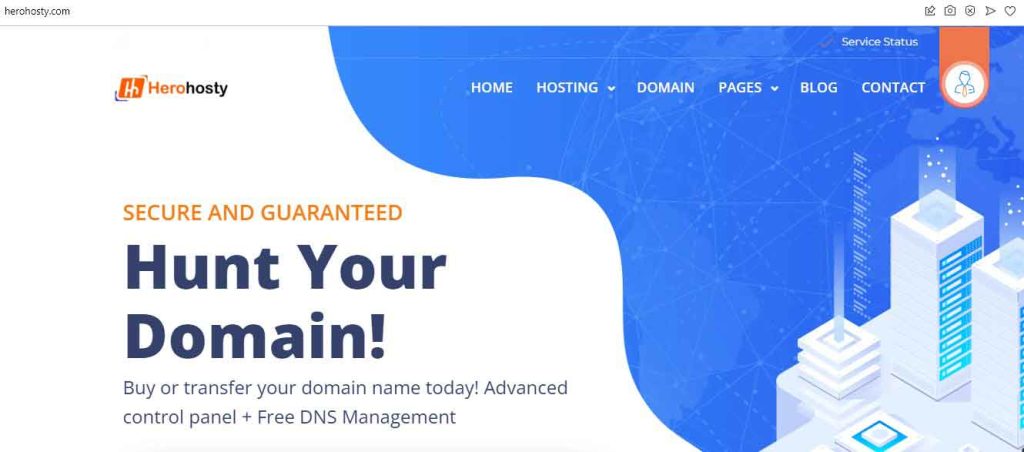
Visit herohosty.com and sign in to your account.
Step 2
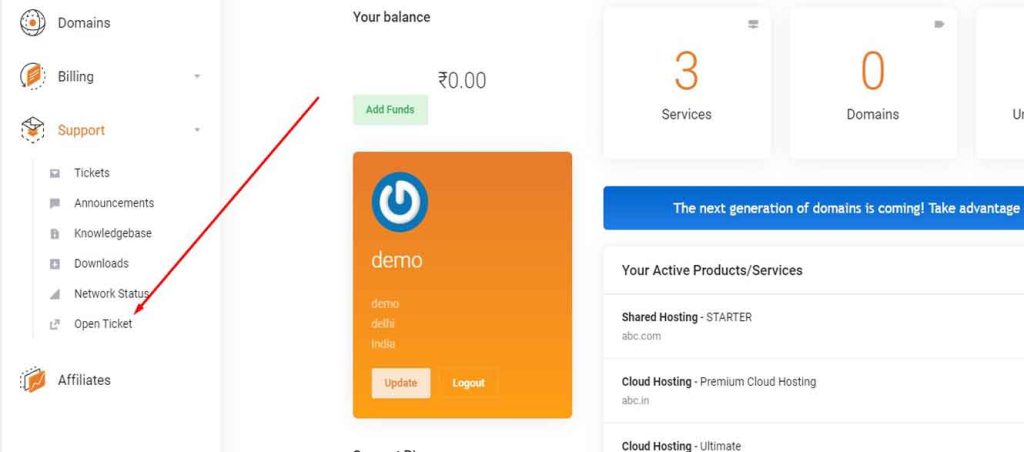
Click on “Support” and then select “Open Ticket” or you can “Click Here”.
Step 3
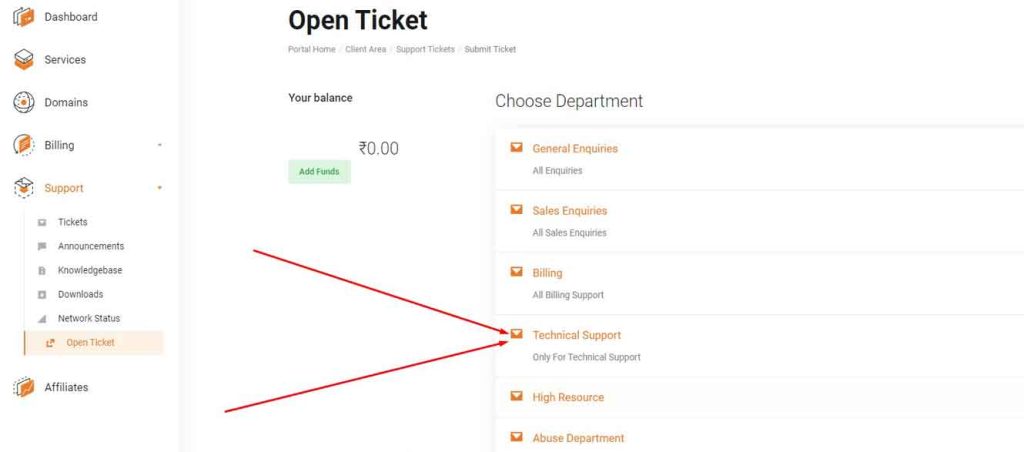
Select the “Technical Support” option.
Step 4
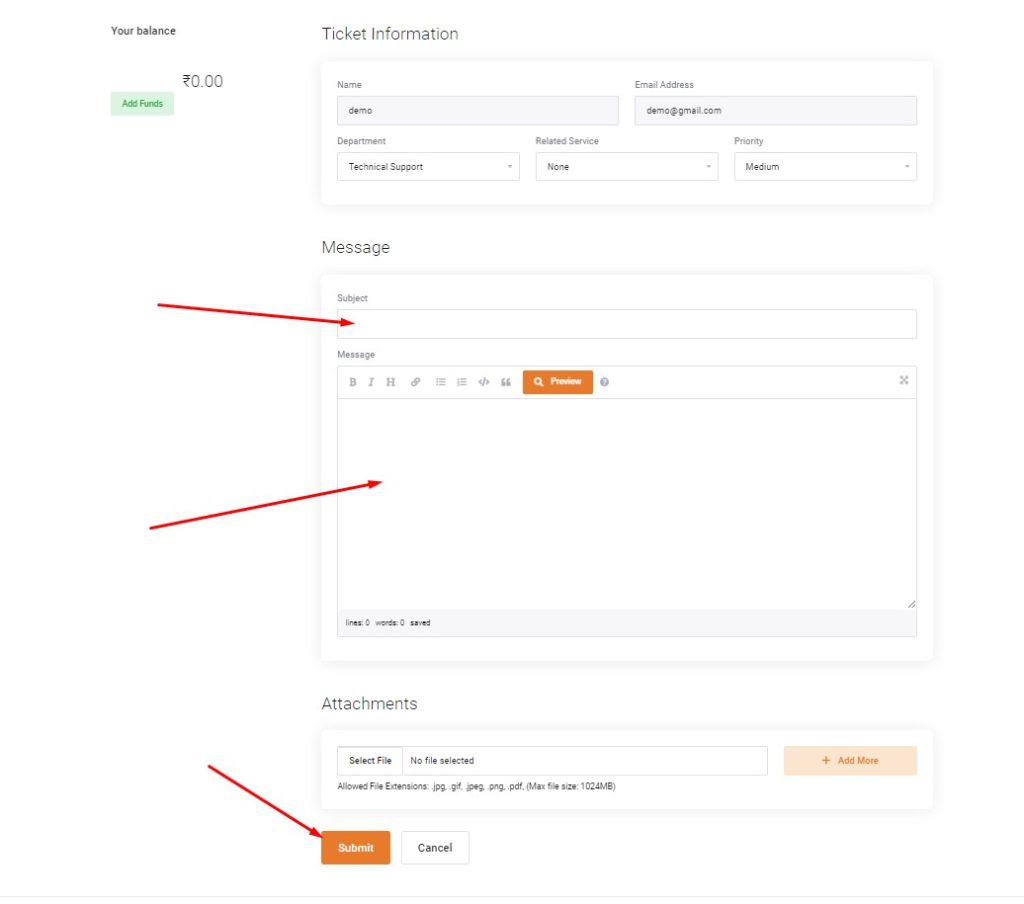
Fill in all the required details, including your old domain name and new domain name.


